A John Draper Project · 60-Day Beta
Put Time Tracker to Work.
TimeTrack & Invoice records billable hours, organizes client work, and turns tracked time into invoice-ready totals—right from your phone.
We need beta testers who will use it during actual paid work.
Beta access is limited to 60 days: August 10, 2026 through October 9, 2026.
Apply to Beta Test
We are choosing testers who will genuinely use TimeTrack & Invoice on real jobs. Be specific about your work and how the app will fit your workflow.
Android
Join the beta Google Group first, then accept John Draper’s testing invitation and install through Google Play.
Join the Android Beta Google GroupPlease note: Testing versions may be unstable. Certain app-usage data will be collected and shared with the developer to improve TimeTrack & Invoice. Feedback: jdcrunchman@gmail.com.
Getting Started
60-day beta: Set up your information, client, and project before starting the timer.
- Set up your information. Open Settings and enter your name, phone number, and email address. Choose light mode or dark mode.

Settings: Enter your name, phone number, and email, then choose light or dark mode. - Add your client. Open the Clients tab—the middle icon—and enter the company and contact information.
- Add a project. Select the client, then enter the project name and hourly rate.
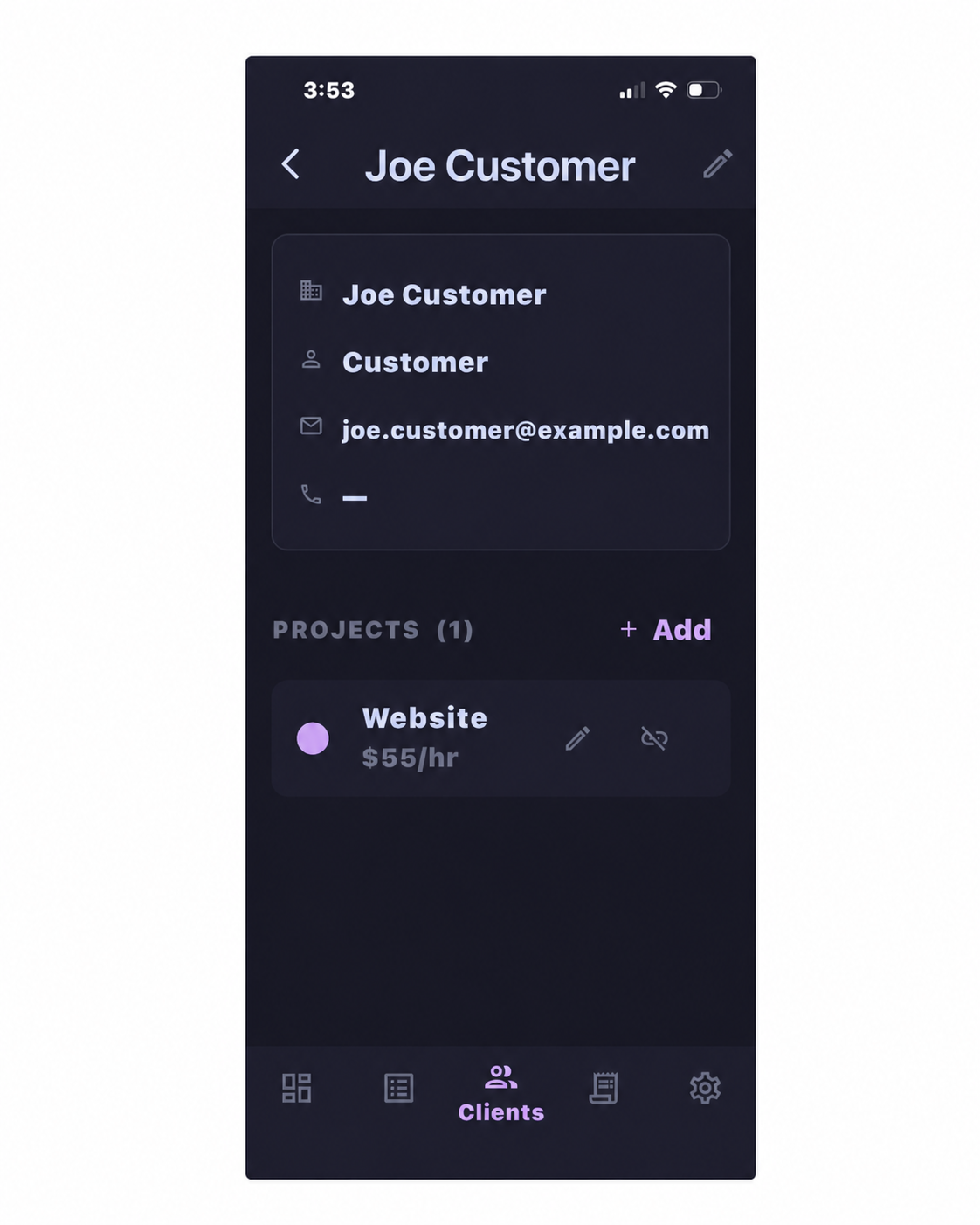
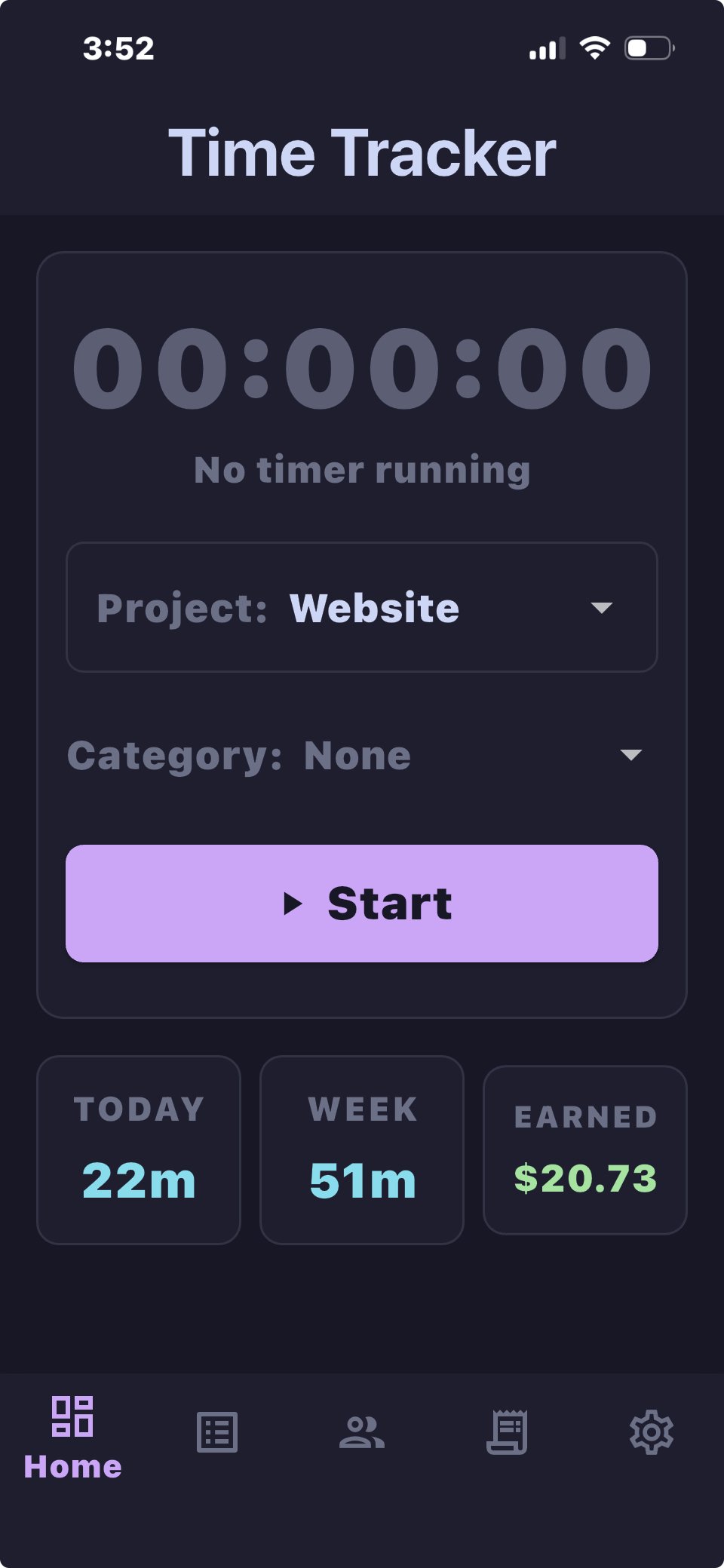
Clients and Projects: Add the client, project, and hourly rate. - Start tracking. Open Home—the far-left tab—choose the project and optional category, then tap Start.
Home and Timer: Select the project and tap Start.
You can leave the app while the timer is running. Use other apps and return whenever you need to. TimeTrack & Invoice continues tracking and returns you to where you left off.